
Authenticator App
Security that flows.
Level transforms the chaos of 2FA into a fluid, organized experience. Separate work from personal life with a simple swipe. Finally, security that doesn’t slow you down.

Import from Google
SWITCH IN SECONDS
Tired of Google Authenticator? Import all your accounts with one QR scan. Done in seconds, not hours.
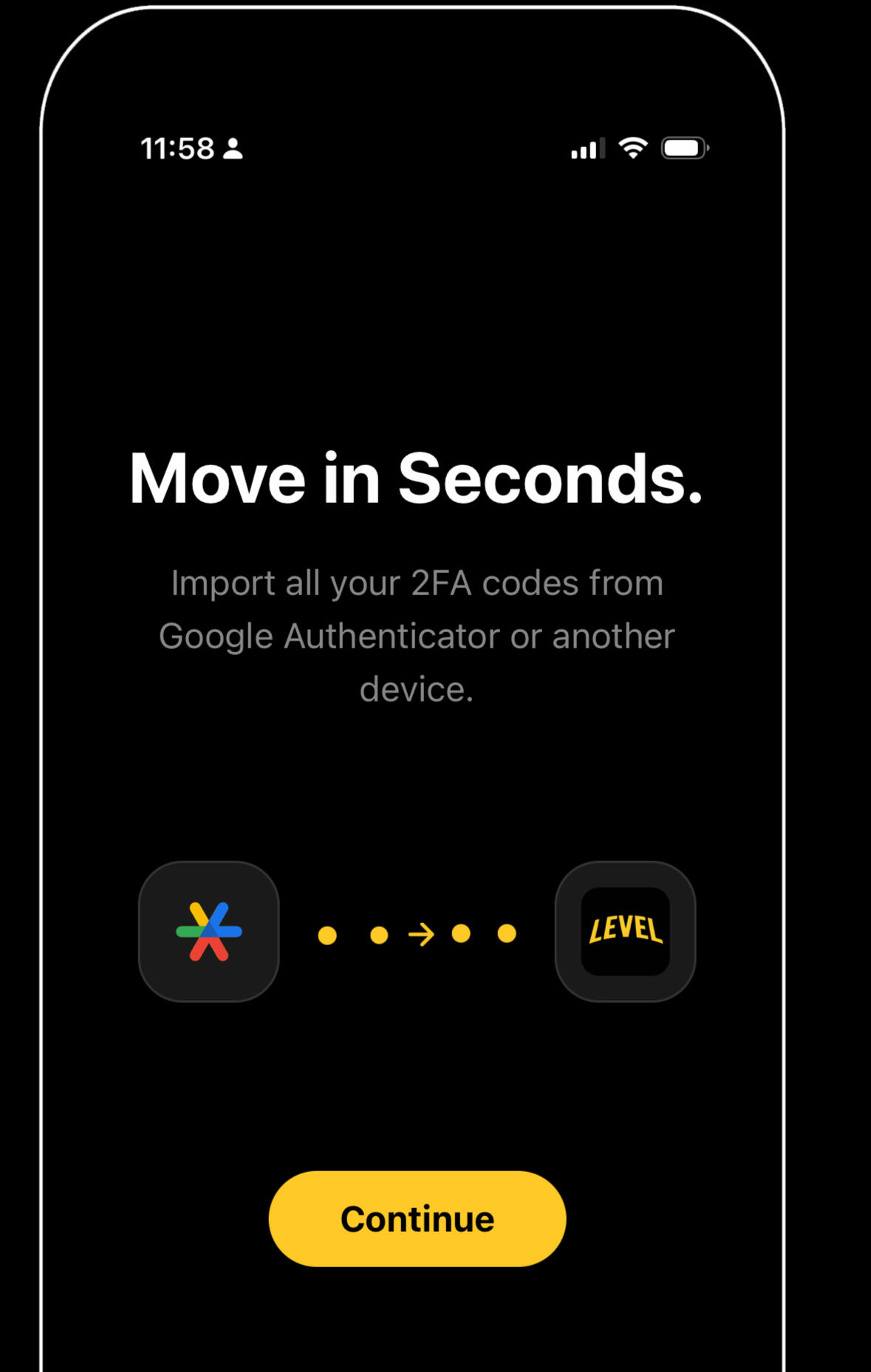
Move in Seconds
Leave the manual typing behind. Moving from Google Authenticator is automated, painless, and takes just a few taps.
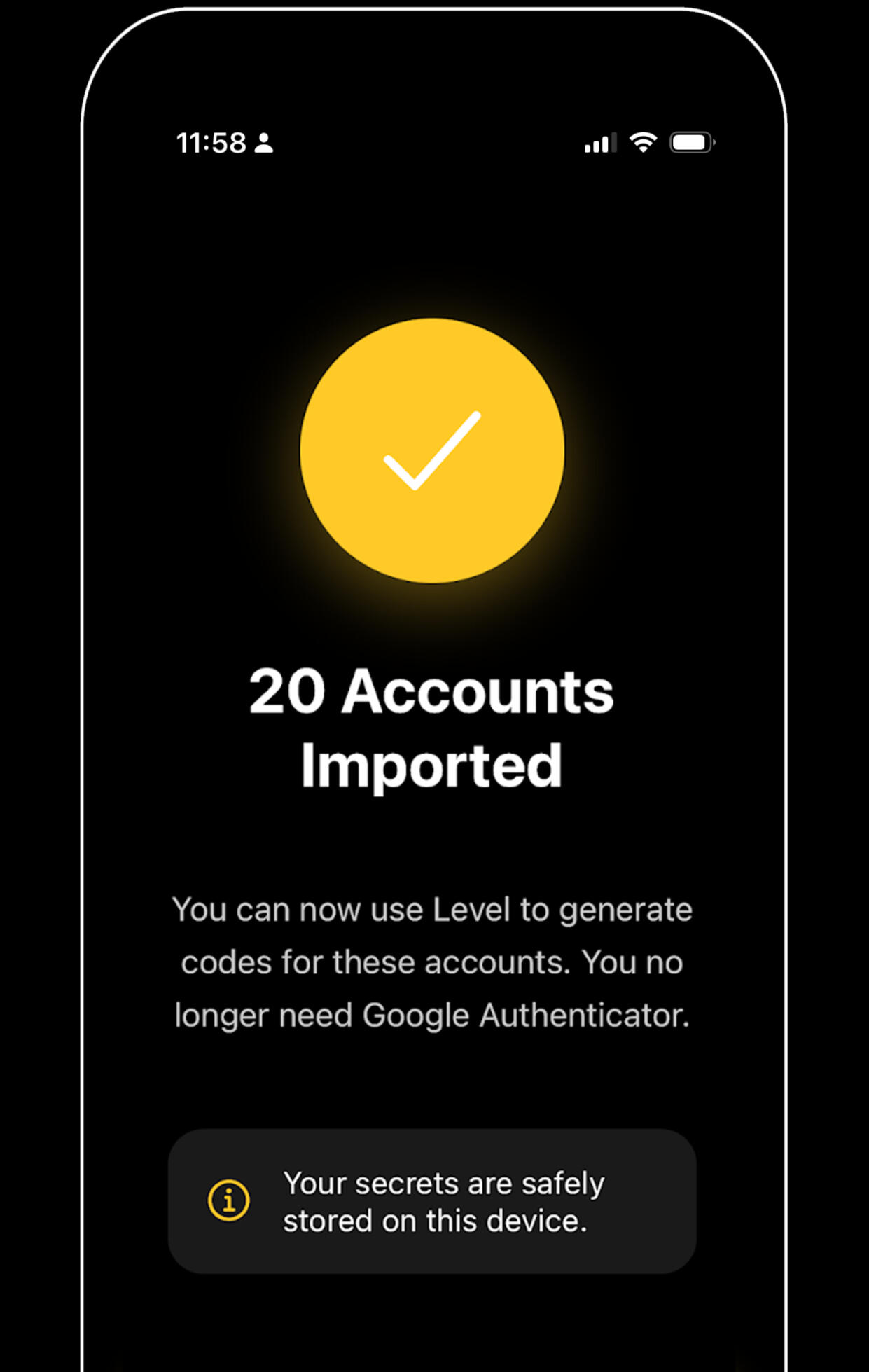
Instantly Ready
Your accounts are transferred securely and ready to use. Now, organize them into workspaces and enjoy the clarity.
iCloud Sync + Encrypted backup + Recovery Key
NEVER LOSE ACCESS

iCloud Sync
Keep your tokens seamlessly updated across all your devices. Your data is end-to-end encrypted, ensuring your codes are always there instantly when you switch from iPhone to iPad.

Recovery Key
Your ultimate safety net against data loss. Generate a unique master key to restore access to your vault even if you lose your device or get locked out of your Apple ID.

Offline Backup
Take full ownership of your data with local, encrypted backups. Export your vault directly to your files without relying on cloud services, giving you total privacy and control.
Face ID and PIN protection
SECURE BY DESIGN
Face ID protection
Secure your vault with biometrics. Unlock instantly with a glance, ensuring your codes are accessible only to you.
Zero-Knowledge Architecture
We never see your data. Your keys are encrypted locally on your device, meaning you are the only one with access.
QUESTIONS?
Made with ❤️ by MediaByte
Terms of Use
By downloading or using the app, these terms will automatically apply to you – you should make sure therefore that you read them carefully before using the app.
Subscription Terms:
Payment will be charged to your Apple ID account at the confirmation of purchase. Subscription automatically renews unless it is canceled at least 24 hours before the end of the current period. Your account will be charged for renewal within 24 hours prior to the end of the current period. You can manage and cancel your subscriptions by going to your account settings on the App Store after purchase.
Standard EULA:
This app is subject to the standard Apple End User License Agreement (EULA) https://www.apple.com/legal/internet-services/itunes/dev/stdeula/
Privacy Policy
Last updated: December 29, 2025
This Privacy Policy explains how Level Authenticator App: 2FA (“we”, “us”, or “our”) handles information when you use our mobile application (the “App”).
1. Summary (What we do and don’t do)
- We do not store your 2FA secrets on our servers.
- Your 2FA data is encrypted and stored locally on your device.
- Optional iCloud Sync (Pro) stores encrypted data in your personal iCloud (Apple/CloudKit).
- We use RevenueCat to manage subscriptions.
- We use PostHog Cloud (EU region) for product analytics (can be disabled in Settings).
- We do not use session recording.
2. Data You Store in the App (Local, Encrypted)
The App lets you store data such as:
- 2FA accounts (including the secrets required to generate codes)
- workspaces, tags, notes, ordering, and app preferencesThis data is stored on-device and protected using encryption. We do not upload this data to our own servers.
3. Cloud Synchronization (iCloud) — Pro Feature
If you enable Cloud Sync (iCloud), the App stores your encrypted app data in your private Apple iCloud/CloudKit storage.- We do not have access to your iCloud content.
- Apple manages iCloud/CloudKit under Apple’s policies and security model.
- The App may provide a Recovery Key flow to help restore encrypted data across installs/devices.
4. Backup, Restore, and Device Transfers (No Level Servers)
A) Offline Backup Files
If you create an offline backup, the App generates an encrypted backup file that you can store anywhere (e.g., iCloud Drive, Google Drive, local storage). We do not receive this file.
B) Restore from Backup File
When you restore, you select a file and enter the password to decrypt and import it. Restore options may include merge or replace, depending on your selection in the UI.
C) Transfer to Another Device (QR-based)
The App can export encrypted data as one or multiple QR codes. Another device can scan the QR codes and import the data after you enter the correct password. No data is uploaded to Level servers during this process.
5. Device Permissions
The App may request the following permissions:- Camera: Used only for scanning QR codes (adding accounts, importing data). No camera images are sent to us.
- Face ID / Touch ID: Used locally for app lock/unlock. Biometric data stays on your device and is not accessible to us.
- Photo Library: Used only if you choose to import a QR code from a screenshot/image.
6. Subscriptions (RevenueCat)
We use RevenueCat to manage in-app subscriptions and entitlements.RevenueCat may process purchase-related information (e.g., receipt validation, entitlement status) and technical identifiers needed to operate subscriptions. We do not send your 2FA secrets, account names, or workspace contents to RevenueCat.
7. Analytics (PostHog Cloud — EU Region)
We use PostHog Cloud (EU region) to understand feature usage and improve the App.
What analytics can include
- App version, OS version, device model class (non-unique), language/region
- Custom in-app events we define (e.g., feature usage, screen views)
What analytics does NOT include
- Your 2FA secrets / keys
- Session recording (we do not use session replay/recording)
- Images from your camera or photo library
Autocapture & IP addresses
- Autocapture: We do not rely on PostHog autocapture for this App; analytics is based on custom events we send.
- IP addresses: We configure PostHog to discard IP addresses (not stored as part of analytics data).
Your choice
You can disable analytics anytime in the App’s Settangs. When disabled, the App stops sending analytics events.
8. Data Sharing
We do not sell your personal data. We only share limited data with:
- Apple (App Store purchases; iCloud/CloudKit if enabled)
- RevenueCat (subscription management)
- PostHog Cloud (EU region) (analytics, if enabled)
9. Data Retention & Deletion
- 2FA data: stored locally (and in iCloud only if you enable sync). Deleting the App typically removes local data. iCloud data depends on your iCloud settings and whether you keep sync enabled.
- Analytics: retained according to our PostHog configuration and operational needs. You can disable analytics at any time.If you want help removing analytics records associated with your device, contact us (see Section 12).
10. International Transfers
- Analytics is processed using PostHog Cloud (EU region).
- Subscription infrastructure (Apple / RevenueCat) may involve processing in other countries depending on provider operations.
We only send the minimum necessary data for subscriptions and analytics.
11. Children
The App is not intended for children under 13. If you believe a child has provided personal information to us, contact us.
12. Contact Us
If you have questions about this Privacy Policy, contact: [email protected]
13. Changes to This Privacy Policy
We may update this Privacy Policy from time to time. When we do, we will update the “Last updated” date above.